01
Recreate a look you found
Read the prompt out of a reference, rewrite it your way, then take the render to print size.
Describe the finished image. The agent proposes the steps, protects the details that matter, waits for your confirmation, and checks the result before handing it back.

Proposed plan
Ready for your review
A clear handoff
You approve the intent and steps; the agent handles the process and returns a checked result.
Say what should change and what must remain untouched. Use normal language, not tool names.
The agent shows what it understood and what it intends to do. Revise it as many times as needed.
Only after confirmation does it execute. Internal routing and step-by-step processing stay out of the way.
It compares the result with your brief—including logos, text, identity, and details you asked to protect.
Why an agent
Familiar image generators are excellent at one prompt and one result. The agent is for work that needs several decisions without losing the original brief.
Working end to end
The output of one step becomes the input of the next—without a re-upload, a new subscription, or a lost brief.
Read the prompt out of a reference, rewrite it your way, then take the render to print size.
Cut the product out of a kitchen-table photo, place it on white, and clear the marketplace zoom threshold.
Write a prompt, render it in your generator, then read the render back. What returns is what the model acted on.
The toolkit
Go directly when you know the operation—or let the agent combine them into one controlled workflow.
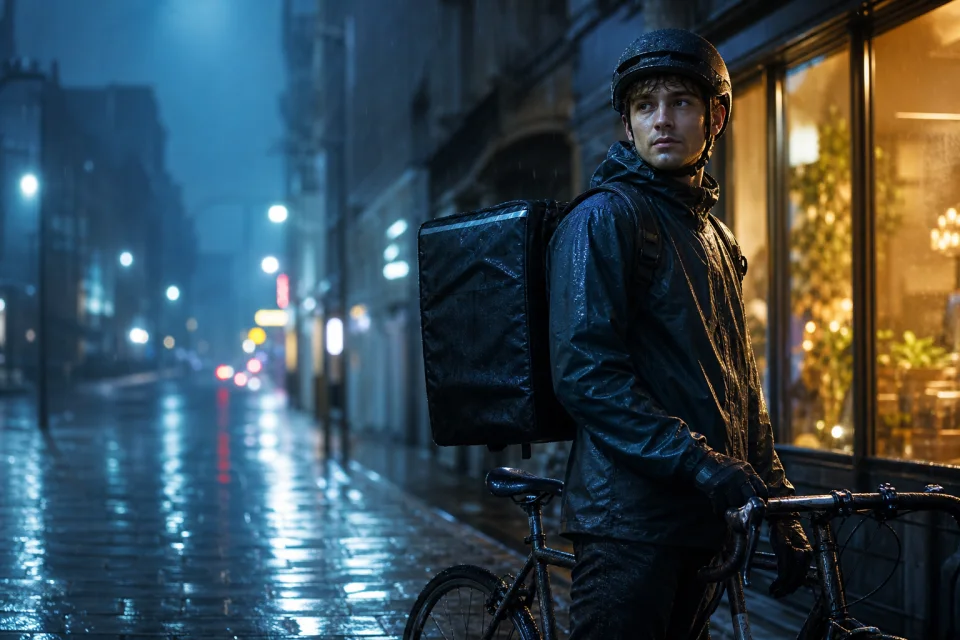
Pick the format you need, then drop your picture into the workspace and get the prompt that recreates it, written in the syntax of the model you will paste it into.
Free · 1/day without an account
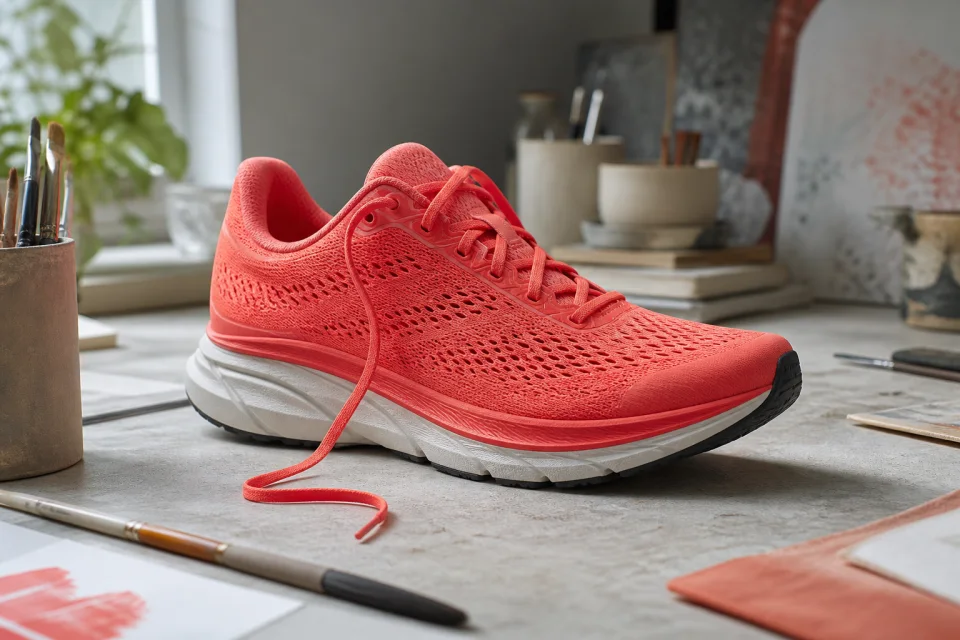
Choose what the background should become, then drop your picture into the workspace and check the cut-out against a checkerboard before you download it.
10 credits · 1/day without an account
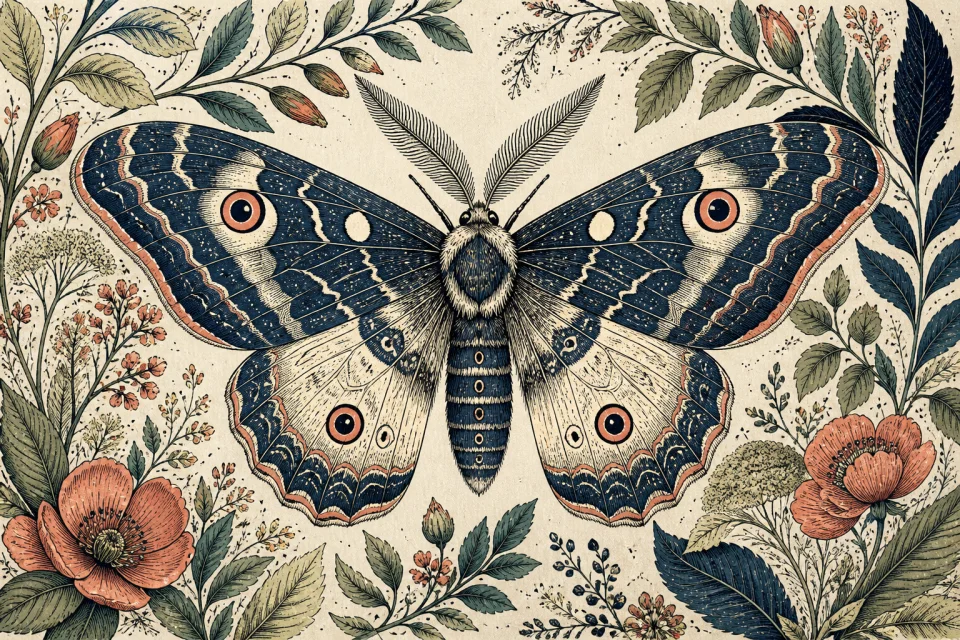
Enlarge photos or line art up to 8x. Choose the smallest scale that reaches your target, then inspect the result at full size.
10 credits · 1/day without an account

Write one line. Get five prompts that each move a different axis — style, lighting, camera — so you can see which direction you actually wanted.
Free · 1/day without an account
Model ecosystem
The agent sends each image operation to the model that fits it best. These are the models in use today, including GPT Image 2.5 for images with text and higher-quality work.
Precise editing
OpenAI’s quality-focused model, in use for edits that involve text or higher-quality outcomes, and as a backup for other edits.
Fast generation
OpenAI’s speed-focused model, in use for new images that need text, such as journal pages and cards, and as a backup for other generations.
Generate & edit
Instruction-based generation and image editing in the live routing pool.
Generate
A live option for text-led image generation.
Edit a region
Used for targeted changes after the requested area is identified.
Upscale
Specialist models for photographic and line-art enlargement.
Who it is for
You found an image with exactly the mood you want and you have spent an hour guessing adjectives. Read the prompt out of it instead, in the syntax of the model you use.
Image to Prompt · Prompt Generator · Anime Generator
A product shoot costs more than most first orders. Cut the product out of a phone photo, put it in a studio scene, and export at the size the marketplace actually requires.
Product Photo · Remove Background · Upscale
Scans of prints come out soft, grainy and colour-shifted. Repair them with each step as its own switch, so face repair never quietly turns someone into a stranger.
Photo Enhancer · Upscale
Everything included
The practical details that turn a good demo into a tool you can use every day.
FAQ
Yes. GPT Image 2.5 has been live in the AI Image Agent since September 13, 2026. Flare creates new images and Sunburst handles edits. The agent picks them automatically when an image needs text in it or the outcome costs 30 credits or more, and uses them as a backup for other image work, so there is nothing to select and the credits stay the same. Other image steps, such as background removal and upscaling, keep using their specialist models.
Your next image
See what the AI image agent plans to do before you decide anything — no account, no card, and no credits spent before you approve the plan.