Not "beautiful lighting"
Say "low sun from behind the subject, long shadows". The model cannot act on your approval; it can act on a light direction.
Free tool
Write one line. Get five prompts that each move a different axis — style, lighting, camera — so you can see which direction you actually wanted.
Run it here · Your image stays in browser memory until you press Run
Style
Written for
Free — 1 runs a day without an account
Output
Add your input, choose the options you need, then run the tool.
From intent to image
A visual example makes the result easier to judge before you upload anything. The sample below is illustrative; your file is processed only after you approve the run.
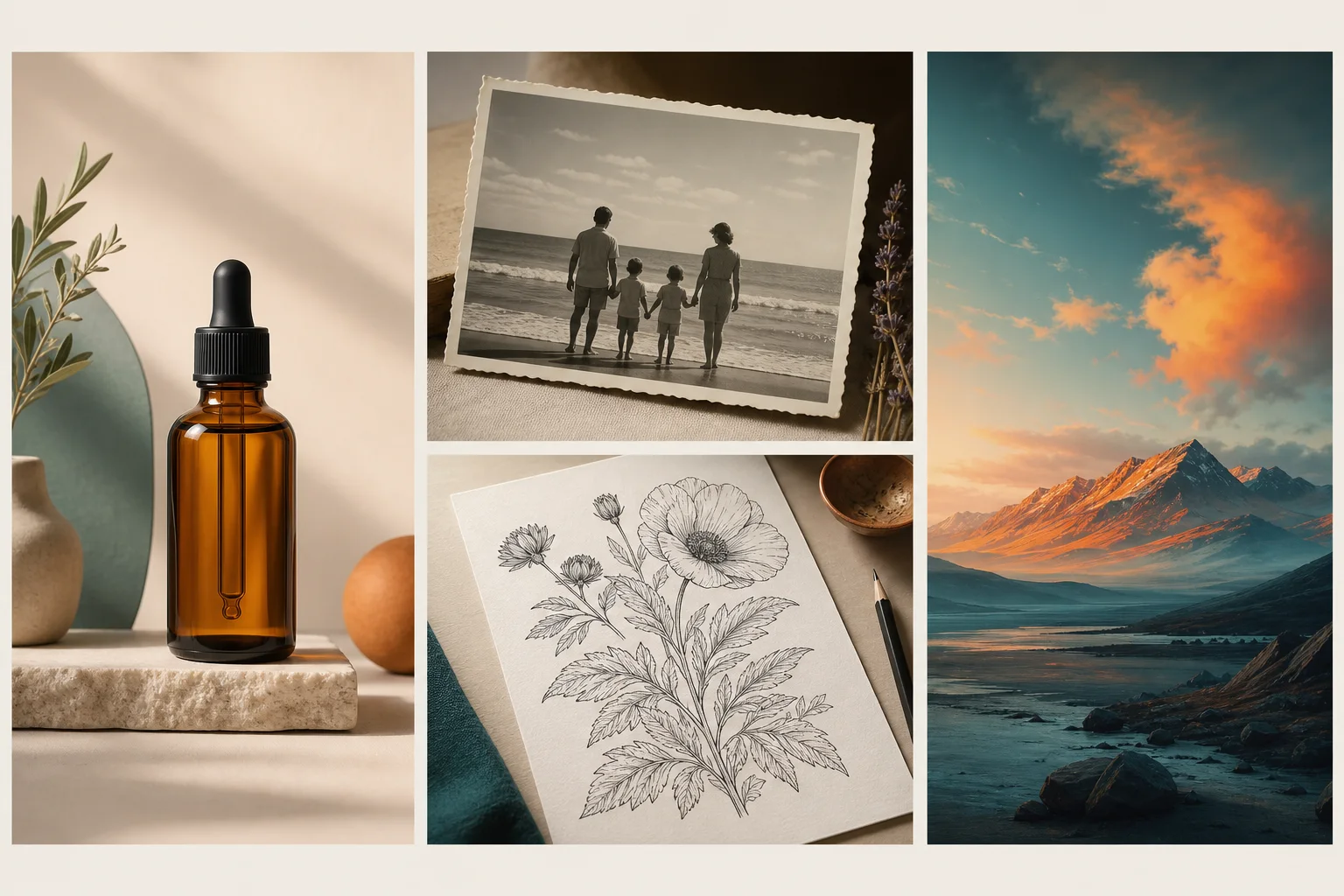 Generated directions
Prompt structure
“Editorial product photograph, warm mineral palette, soft side light, restrained composition, realistic surface texture.”
Reference
One idea — “A ceramic mug on a windowsill, morning light”, style Photographic — run through the live tool on 17 September 2026. These are the first of five prompts from each run, unedited.
| Written for | Actual output | What to notice |
|---|---|---|
| Midjourney | macro close-up of a textured white ceramic mug resting on a weathered wooden windowsill, soft morning sun streaming through the glass creating warm highlights and long shadows, shallow depth of field blurring the garden outside, cinematic lighting, photorealistic, 8k --ar 16:9 --no steam, coffee, liquid | Phrases first, parameters last. The aspect ratio is --ar and exclusions go in --no, because Midjourney has no separate negative prompt field. |
| Stable Diffusion | photorealistic ceramic mug, morning sunlight, windowsill, shallow depth of field, bokeh background, soft shadows, (high detail:1.2), (natural lighting:1.1) — Negative prompt: blurry, low resolution, cartoon, illustration, dark, harsh shadows, cluttered background | Weighted tags, then a negative prompt on its own line so it can be pasted into the negative field. |
| Flux | A close-up, eye-level shot of a speckled beige ceramic mug resting on a weathered wooden windowsill, with soft morning sunlight streaming in from the left to highlight the steam rising from the hot coffee inside. The background features a softly blurred view of dewy garden foliage, creating a shallow depth of field that keeps the focus sharply on the texture of the mug and the warm light rays. | Full sentences and no negative prompt. Flux does not take one, so the prompt says what should be there. |
Gallery
Each prompt above was passed unedited to Qwen Image, not to the generator it was written for. That is deliberate: it shows which parts of a prompt travel between models and which parts only one model understands.
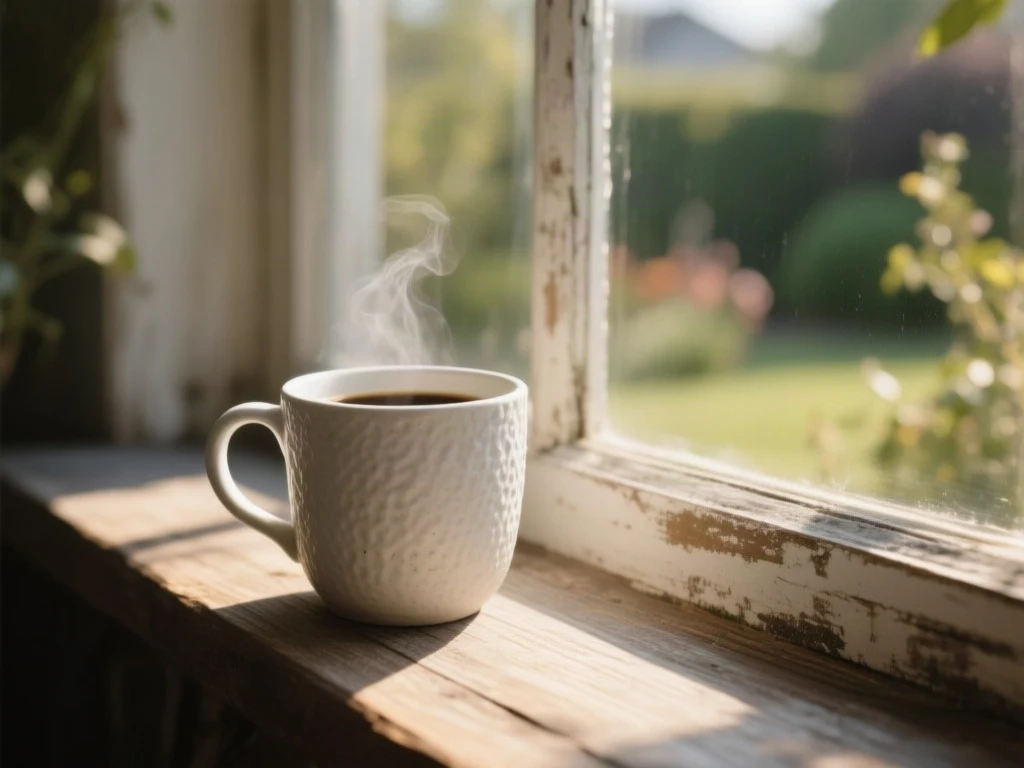
The render contains steam and coffee even though the prompt ends with --no steam, coffee, liquid. A model that does not parse Midjourney parameters reads those words as content. Keep parameters for the model that owns them.
Rendered from the tool’s unedited prompt · editorial
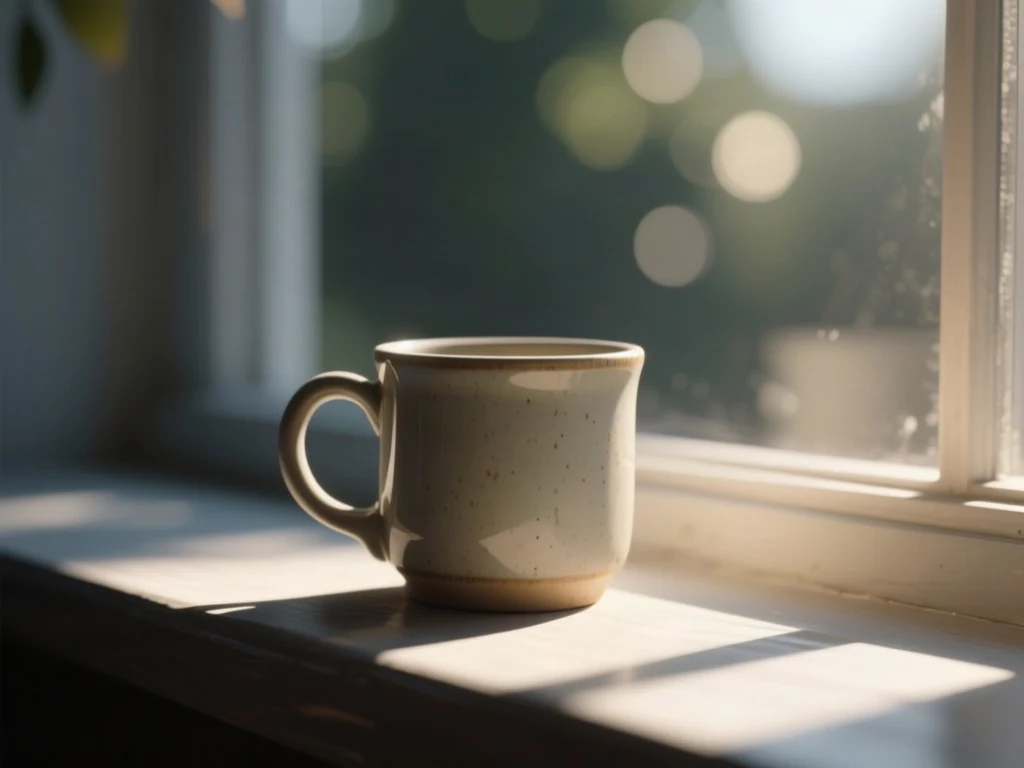
The whole output went in as one prompt, weights and Negative prompt line included, because this model has no negative field. The image still matches the tags — mug, windowsill, soft shadows, bokeh — and none of the excluded words showed up this time. That is luck, not syntax: paste the negative line into a negative field when your generator has one.
Rendered from the tool’s unedited prompt · editorial
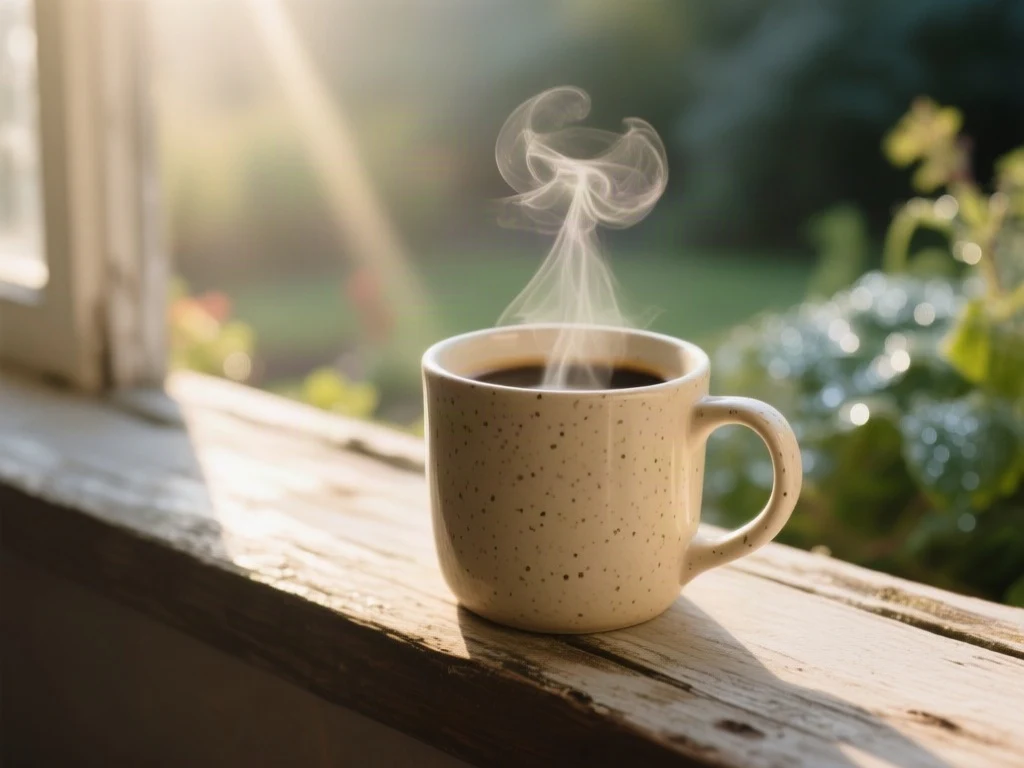
The most specific sentence produced the most specific picture: speckled beige glaze, light from the left, rising steam and blurred garden foliage all appear as written.
Rendered from the tool’s unedited prompt · editorial
Breakdown
Most weak prompts are full of evaluations rather than instructions. Every one of these swaps a judgement for a decision the model can act on.
Say "low sun from behind the subject, long shadows". The model cannot act on your approval; it can act on a light direction.
Name the medium. "Large-format film, fine grain" produces a look. "High quality" produces the average of everything.
Every model has a different idea of what that means. Aspect ratio, contrast, colour grade and lens are the things that actually make an image read as cinematic.
Terms near the front carry more weight in every current model. If your prompt opens with three sentences of atmosphere, the subject is competing with them.
Reference
Fill the slots in order. Each row is a starting point that reliably produces a coherent image.
| For | Formula |
|---|---|
| Portrait | [subject] + [expression/pose] + [lens: 85mm f1.4] + [light direction] + [background treatment] |
| Product | [product] + [surface] + [background] + [light: softbox / daylight] + [angle] + [depth of field] |
| Landscape | [location] + [time of day] + [weather] + [foreground element] + [lens: 24mm] + [palette] |
| Illustration | [subject] + [medium: gouache / ink] + [line quality] + [palette] + [composition] + [era reference] |
| Anime | [tags: 1girl, pose, hair, eyes] + [style era] + [line weight] + [palette] + [background] |
Detail
On Stable Diffusion, half of what makes an image look finished is what you excluded. Extra fingers, watermarks, text artefacts, oversaturation — a short targeted negative prompt does more than another twenty words of positive description.
Most prompt generators hand you the positive half and leave you to discover the rest by trial. Here the Stable Diffusion output always carries a matching negative prompt on its own line, the Midjourney output puts exclusions in --no, and the Flux output has neither, because Flux does not accept a negative prompt.
Detail
This is an AI prompt generator that runs in both directions. Write a prompt here, take it prompt to image in the model of your choice, then run the render back through our image to prompt tool. What comes back is what the model actually understood — which is often not what you wrote.
That round trip is the fastest way to learn which parts of your prompt are doing work and which are being ignored.
FAQ
A clear subject first, then style, lighting, composition and camera. Vague adjectives like "beautiful" do almost nothing; concrete choices like "85mm, shallow depth of field, overcast light" do most of the work.
Put it into practice
One idea in real Midjourney, Stable Diffusion and Flux syntax, then each pasted into another model to show what breaks, including a --no list that backfired.
Read the walkthrough →A six-part image prompt formula, tested: the same cafe written as adjectives and as decisions, each rendered twice, plus what happens when you write “no lamps”.
Read the walkthrough →Built in public
Published messages are from signed-in users, reviewed for privacy and spam, and shown with the team response when one exists.
No public feedback has been published yet. New submissions are reviewed before they appear here.
Sign in before submitting. This keeps the public board useful and gives us a way to follow up privately.
Sign in to share feedbackKeep creating
An account raises your daily allowance and keeps your history.