Marketplace listing
Pure white main image, then scene shots for the secondary slots. Sized above the zoom threshold.
50 credits per run
Start from the scene you want, not from an upload box. Pick a setting here, add your product photo in the workspace, and get four variations sized for where you sell.
Run it here · Your image stays in browser memory until you press Run
01Pick a scene (24 available)
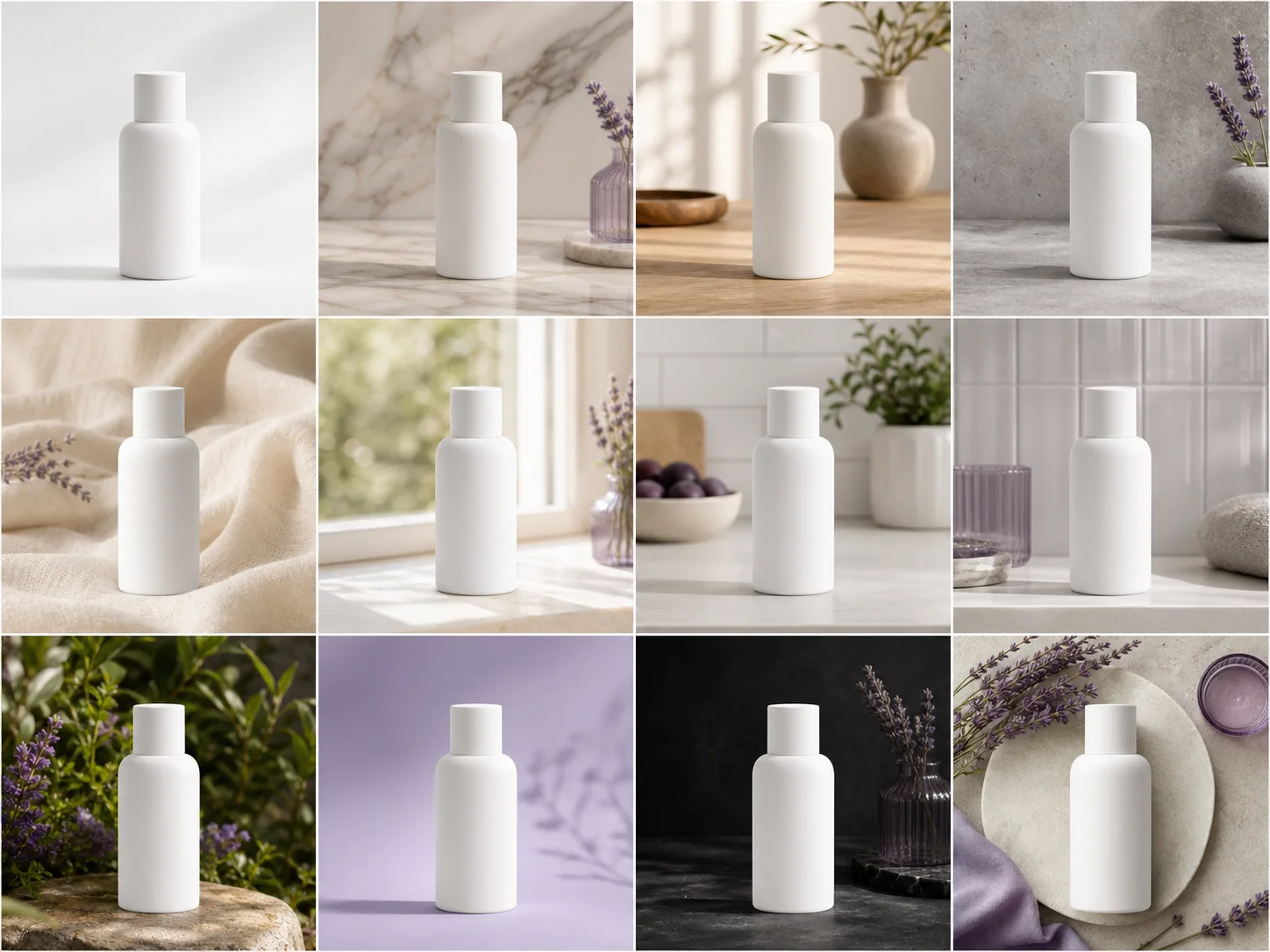
12 curated concept previews generated for scene selection. Live tool outputs appear only in the result area.
02Add your product photo — pick a scene first
Drop an image, press Ctrl+V, or
JPG · PNG · WebP · max 10 MB
50 credits per run
One product, many scenes
A visual example makes the result easier to judge before you upload anything. The sample below is illustrative; your file is processed only after you approve the run.
Breakdown
The same cut-out, re-scened and re-sized for each place it has to appear. One upload becomes a full set of AI product photo variations.
Pure white main image, then scene shots for the secondary slots. Sized above the zoom threshold.
Square and vertical crops with the product placed for a feed rather than a listing grid.
Wide crops with space for copy, in a scene that matches your brand rather than the marketplace default.
Several backgrounds of the same product, which is what you need to test creative rather than argue about it.
Reference
These are the rules that quietly cost listings their conversions. Each export preset already meets them.
| Where | Main image rule | Size preset |
|---|---|---|
| Amazon | Pure white background, product fills ~85% of frame | 2000×2000 — above the 1600px zoom threshold |
| Shopify | No requirement; consistency is what matters | 2048×2048 square |
| Etsy | First image is the thumbnail — crop for legibility small | 2000×1600 (5:4) |
| Feed favours square and 4:5 vertical | 1080×1080 and 1080×1350 |
The pipeline cuts your product out of your photo and composites it into the scene — it does not ask a model to redraw it. Labels, logos, proportions and colour survive unchanged; only the reflections and shadows are generated to match the new setting. This is the difference between a product photo you can list and an illustration of something similar.
Steps
Anything that contrasts with the product. A kitchen table is fine. The surroundings get replaced, so they do not matter.
Near a window on an overcast day is ideal. Avoid direct sun and overhead kitchen lights — deep shadow merging into the background is the one thing that is hard to fix.
The product in focus, nothing overlapping it, space around all four edges.
No lightbox, no tripod, no editing. A phone photo that meets the three points above is enough.
Detail
Forty products photographed over six months in different rooms look like forty different shops. Running each of them through the same AI product photo scene is the cheapest thing you can do to make a catalogue read as deliberate.
Seasonal refreshes work the same way: re-shooting a catalogue for a holiday campaign is not realistic, but re-scening it is.
FAQ
Yes, and the export presets match their requirements. Amazon requires pure white for the main image — use the Studio white scene for that slot and the others for secondary images.
Keep creating
Runs cost 50 credits. New accounts start with enough to try every tool.