No sign up required
Use this AI photo editor without signing up
Five image tools take one free run every day without an account. No trial countdown, no watermark on results — sign in only if you want more runs per day.
- Free daily runs
- 5 tools · 1 run each
- Watermark on results
- None
- Uploaded images
- Processed, not stored
What works without an account
Each tool below runs one time per day anonymously. The counter resets daily; failed attempts caused by a technical error do not consume the daily run.
Image to prompt
Turn any picture into a written prompt you can reuse — one free run a day without an account.
1 free run / day

Image prompt generator
Write a prompt in plain words and get a model-ready version — one free run a day without an account.
1 free run / day
Background removal
Cut the subject out and get a transparent PNG — one free run a day without an account.
1 free run / day
Image upscaler
Enlarge a photo or line art up to 4x — one free run a day without an account.
1 free run / day
Anime style tool
Restyle an image into anime — one free run a day without an account, from the workspace.
1 free run / day
See it work, no sign-up
A complete anonymous run of the image-to-prompt tool, captured on this site on October 13, 2026. No account was created and no card was entered. Screenshots are unretouched.
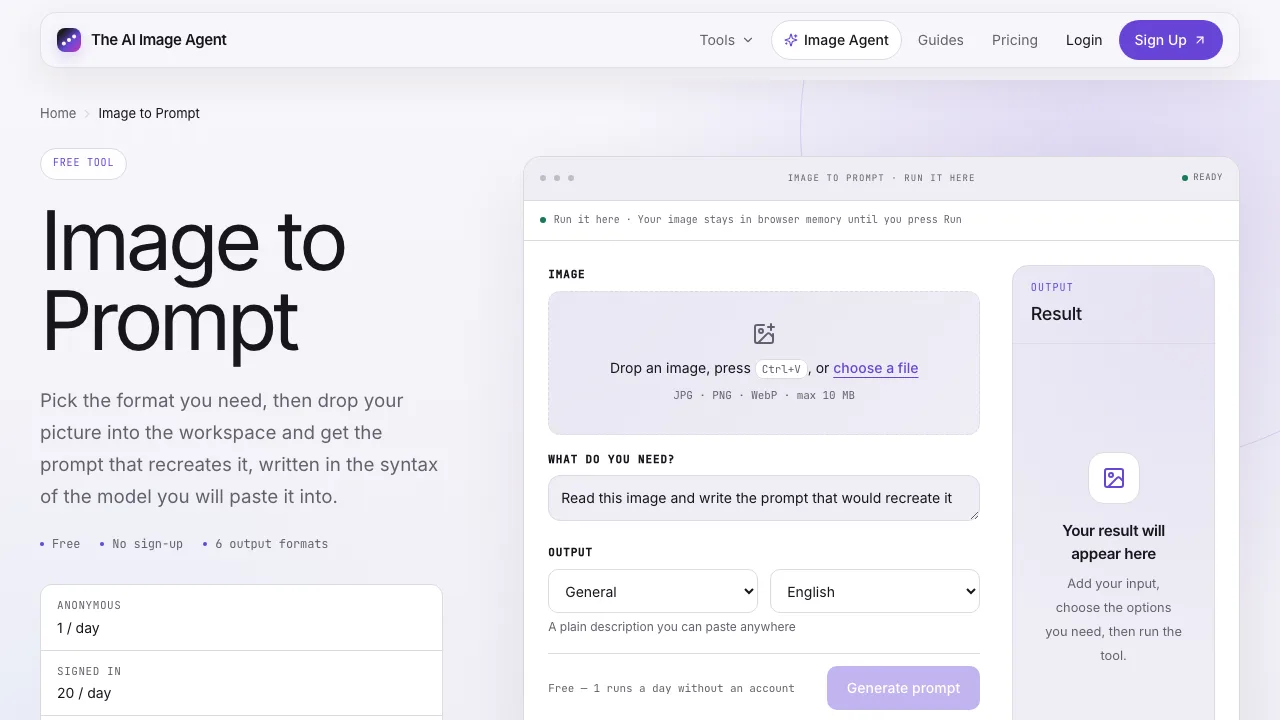
1. Open the tool
Pick a tool from the list above — the page loads ready to use.
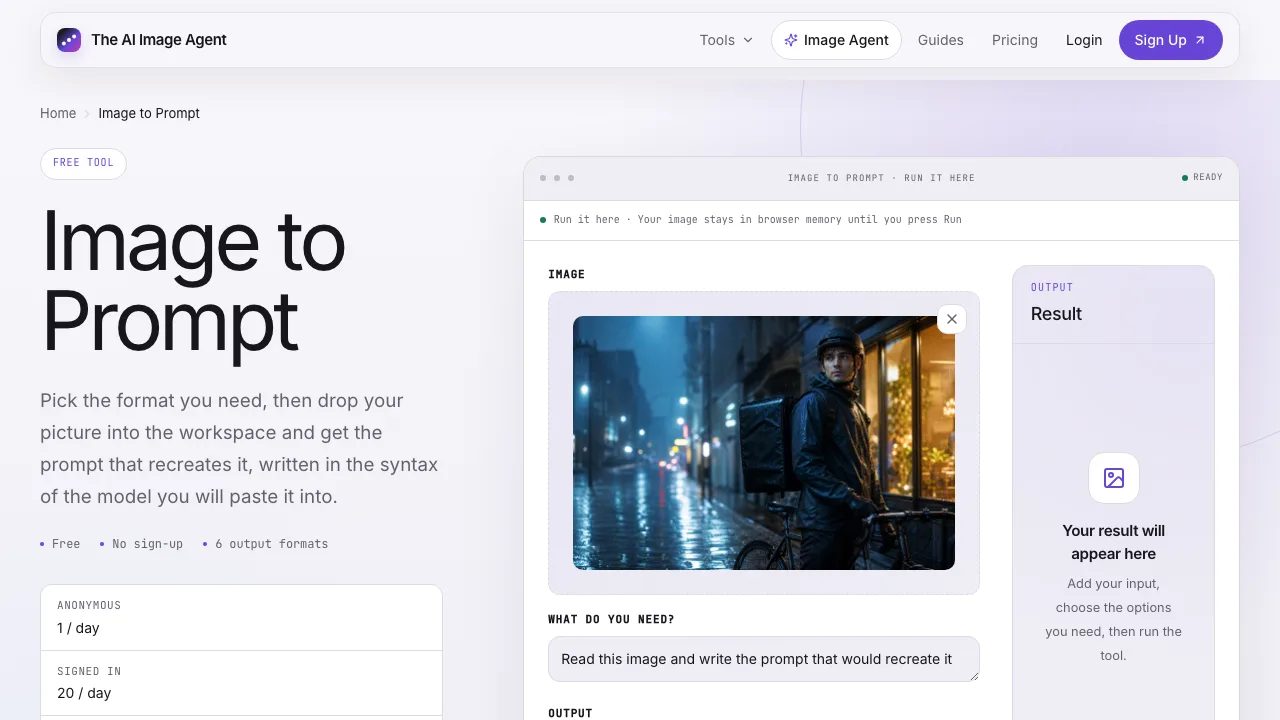
2. Drop an image
Drop any image in. Uploads are processed in memory and are not stored.
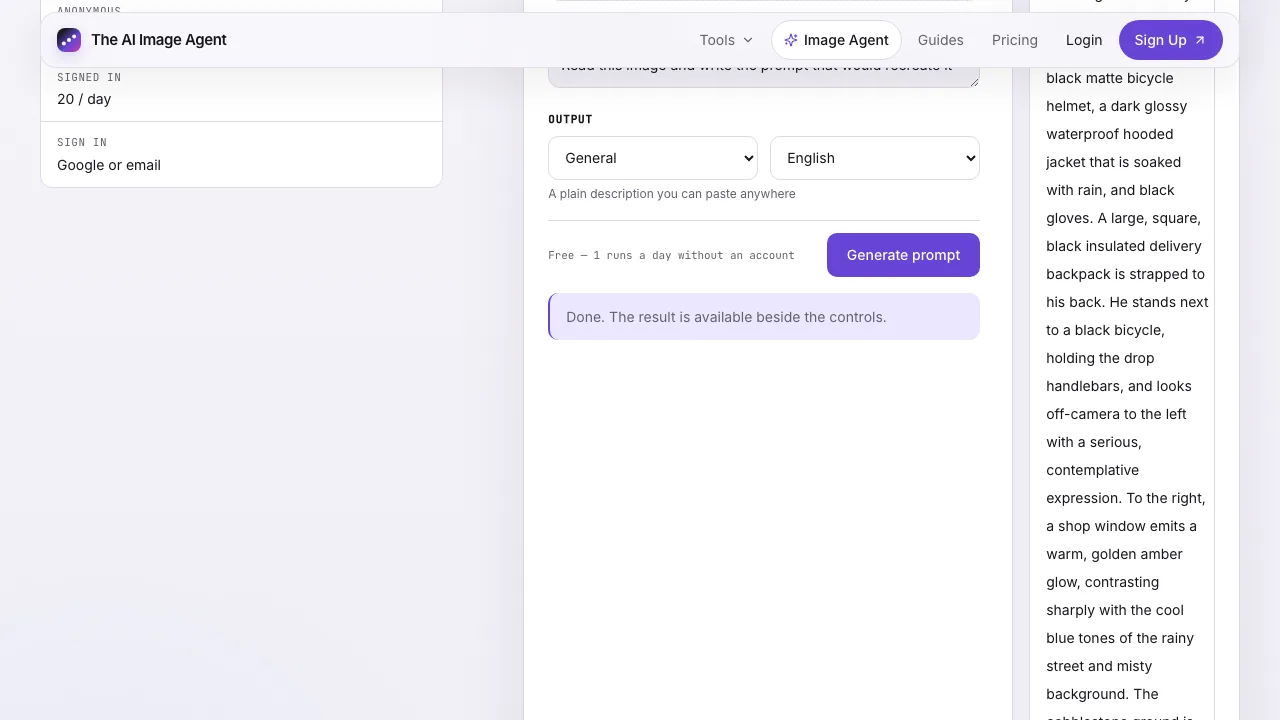
3. Get the result
The agent reads the image and writes a usable generation prompt.
The other free tools run the same way. Fix a pixelated image or open the full agent workspace when you want multi-step edits.
Two tools stay behind sign-in: photo enhance (a heavier restoration model) and product photo (the most expensive run on the site). The image agent workspace — which plans and executes multi-step jobs — also needs an account, though planning a first job is free to review.
Free accounts keep the same tools with far higher daily limits — 20 image-to-prompt and 30 prompt-generator runs a day, five background removals, three upscales. If you need more than the daily allowance, sharing a result can earn 10 non-expiring image credits, and plans start where the free limits end.
Go deeper with a guide
Each guide walks the full workflow with real before-and-after examples — the same tools you just tried, taken further.
Enlarging images without losing detail
The full upscale workflow: which scale to pick, how to judge a result at 100% zoom, and when a photo is past saving.
Removing backgrounds from product photos
Real cut-outs on real product photos — the workflow, the settings that matter, and the edges to double-check.
Reverse-engineer an image into a prompt
Take a reference image apart and get the prompt that would recreate it — ready to reuse in any generator.
Questions about using it without signing up
Which tools work without an account?
Five: image to prompt, the image prompt generator, background removal, the image upscaler and the anime style tool. Each takes one free run per day anonymously. The photo enhance and product photo tools need an account, and so does the agent workspace that plans and runs multi-step jobs.
Do results have a watermark?
No. Results come back without a watermark, whether you run anonymously or signed in.
What happens to an image I upload without an account?
The uploaded file is passed to the processing model for the run and is not stored as a permanent asset, and it is never used to train a model.
Why sign in at all?
An account raises the daily limits (for example 20 image-to-prompt runs a day instead of 1), keeps your results in a history, and unlocks the agent workspace and its free five plan runs.
If your image is already blurry or blocky, the pixelated image fix explains what a model can repair — and it runs on the same free daily upscale.