Guides
Genie 4 Prompt Guide: Environment, Character, Camera, Audio
A Genie 4 prompt is an environment block, a character block, a first frame and live steering. Copy the template, see a worked example, fix drift.
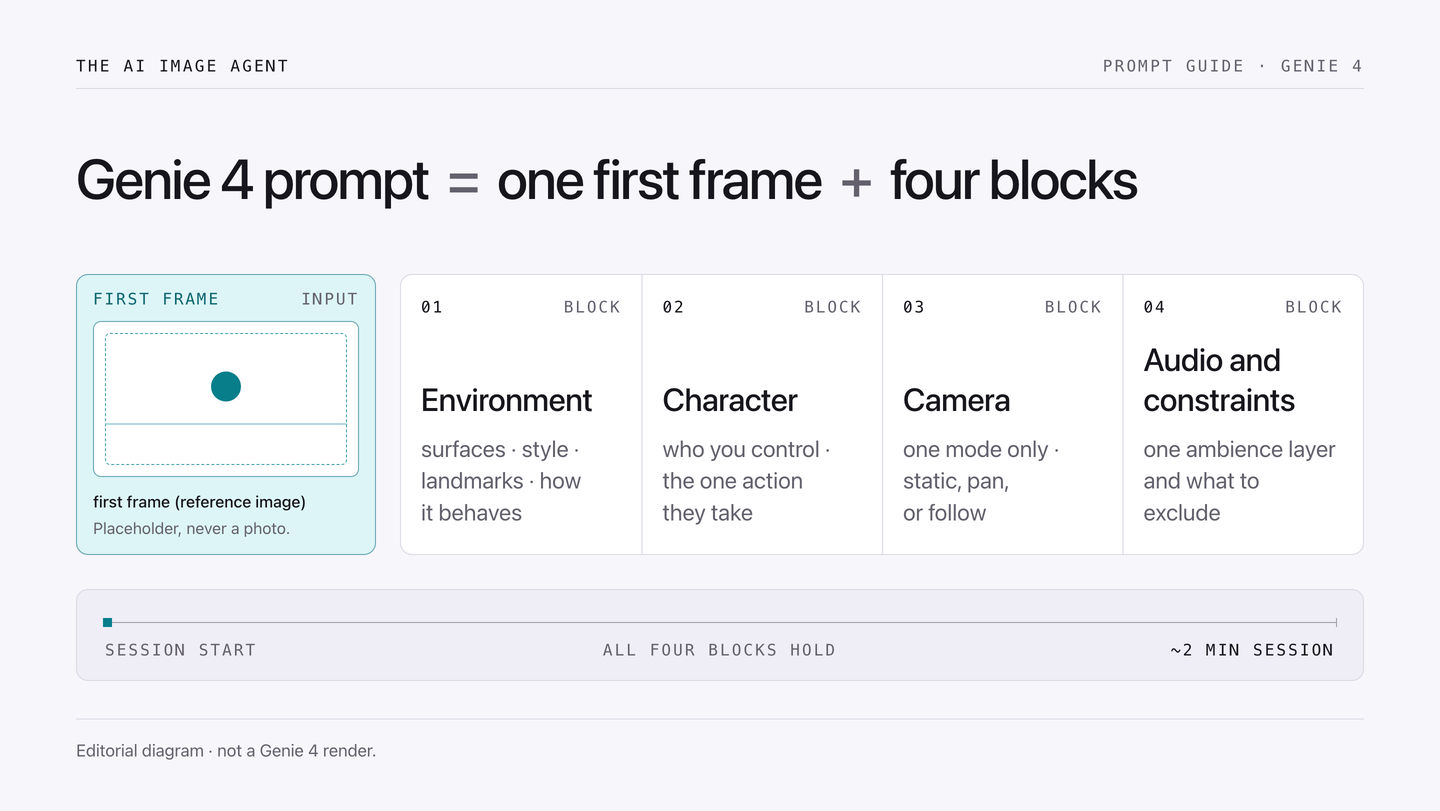
Genie 4 prompts are written in two blocks, not one sentence: an environment block that sets surfaces, style, contents and behaviour, and a character block that sets who you control and how it moves. Add a first frame, then steer with short live instructions. Below is the template, one worked example, and the fix order when a scene drifts.
A Genie 4 prompt is a world brief, not a caption
A text-to-image prompt describes a frozen moment. A Genie 4 prompt describes a place that keeps running after the first second — and that you can interrupt.
Google DeepMind announced Genie 4 on October 27, 2026 as a research preview for trusted testers, with a wider rollout planned for Google AI Ultra subscribers in Project Genie and for early access partners through the Gemini API and Google AI Studio. Three things in that announcement change how you write:
- Native audio — music, ambient noise and interactive dialogue are generated with the world, so sound belongs in the brief;
- Live steering — you can change the weather, move the camera, or add a person or object mid-session, and Gemini adapts the instruction to the running scene;
- Reference images — in Google’s published examples a reference image is used as “the exact first frame and visual basis for the scene.”
That is why the workflow below starts with a picture. If you already have a still and want it read back as text, the image to prompt tool produces the description this guide splits into blocks.
The four blocks that survive a two-minute session
Google’s official prompting guide — still titled for Genie 3 — already separates environment from character. Genie 4 adds audio and in-world steering, so a usable brief has four blocks. Keep each short and declarative: long, layered sentences get re-interpreted mid-run.
| Block | Question it answers | What belongs in it | What to leave out |
|---|---|---|---|
| Environment | Where am I, and what is the ground made of? | Surfaces, style, two or three landmarks, how the place behaves | Camera moves, dialogue, backstory |
| Character | Who do I control, and how does it move? | Identity in one clause, one action, its effect on the world | Extra characters, emotion arcs, plot |
| Camera | How does the viewer follow it? | One mode: static, slow pan, or follow | Cuts, mid-sentence zooms |
| Audio and constraints | What do I hear, what must not happen? | One ambience layer, one foreground sound, exclusions | A full soundtrack, voice-over scripts |
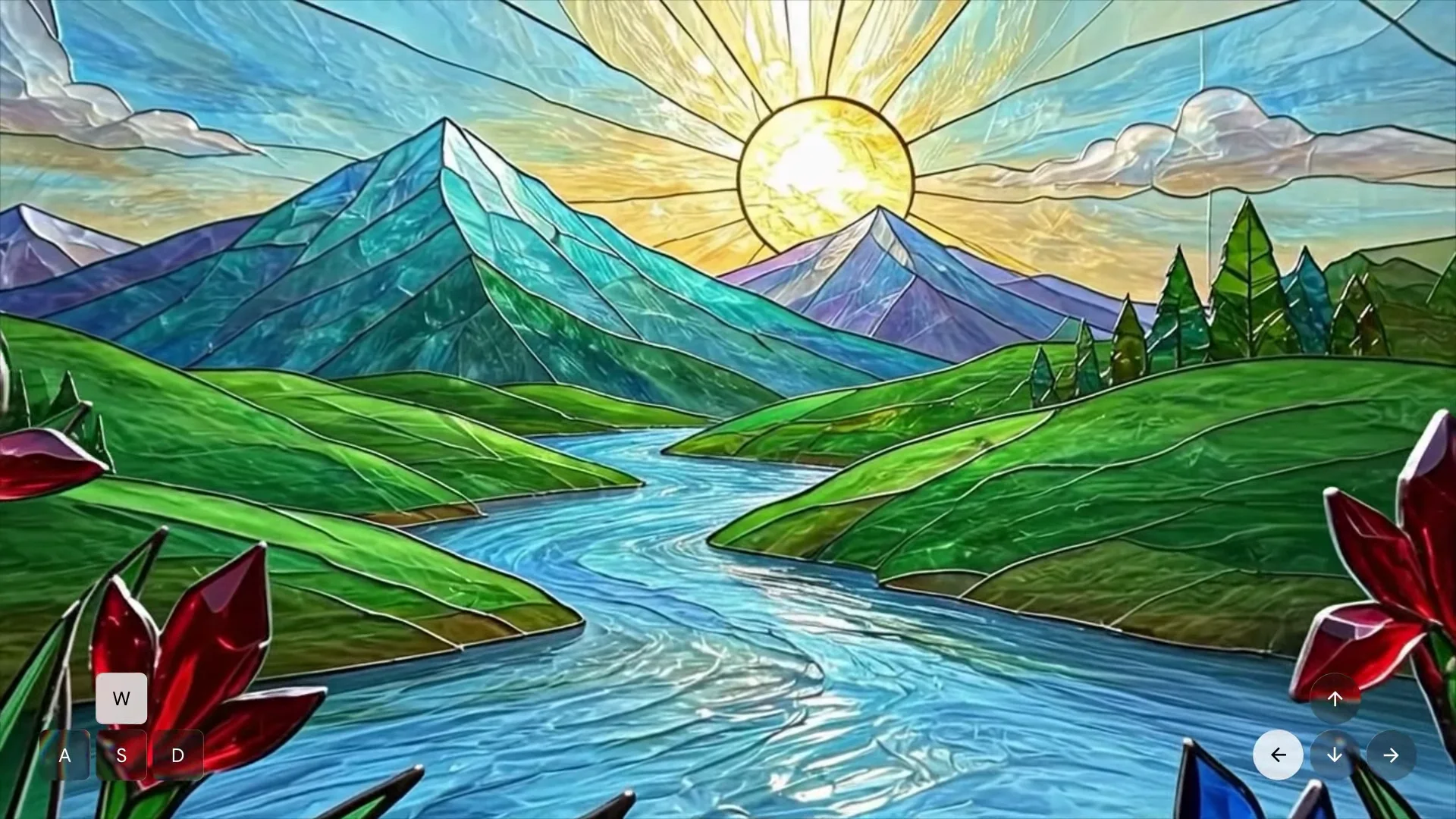
Environment
Answer four things: surfaces, style, contents, behaviour. “A rain-soaked night market, wet asphalt reflecting red signage, two rows of stalls under tarpaulins, steam rising from a griddle” gives the model something to keep consistent. “A beautiful, cinematic, atmospheric market” gives it a mood and no world.
Character
One subject, one action, one consequence. “A courier in a dark rain jacket walks forward, boots splashing through puddles that ripple outward” is a block. “A courier who is tired, thoughtful, and has a complicated past” is a novel.
Camera
Pick one mode and keep it. Follow-cam is the safest default for a first session: it holds the subject in frame while you test how the world responds. Change the mode later with a live instruction, not by rewriting the block.
Audio and constraints
Because Genie 4 generates sound with the image, the audio brief is part of the prompt rather than a later pass. Name an ambience layer and one foreground event, then state what must not appear. If you need legible on-screen text or exact speech, write it down as a constraint — and read the drift section before you rely on it.
Start from an image, not from adjectives
A first frame fixes three things at once: layout, light, and what later has to stay put. Google’s guidance for uploading your own image is blunt — use a high-quality image and put the character in the centre of the frame. That is a photography problem before it is a prompting problem, because consistency is expensive to spend on a soft, off-centre, cluttered frame.
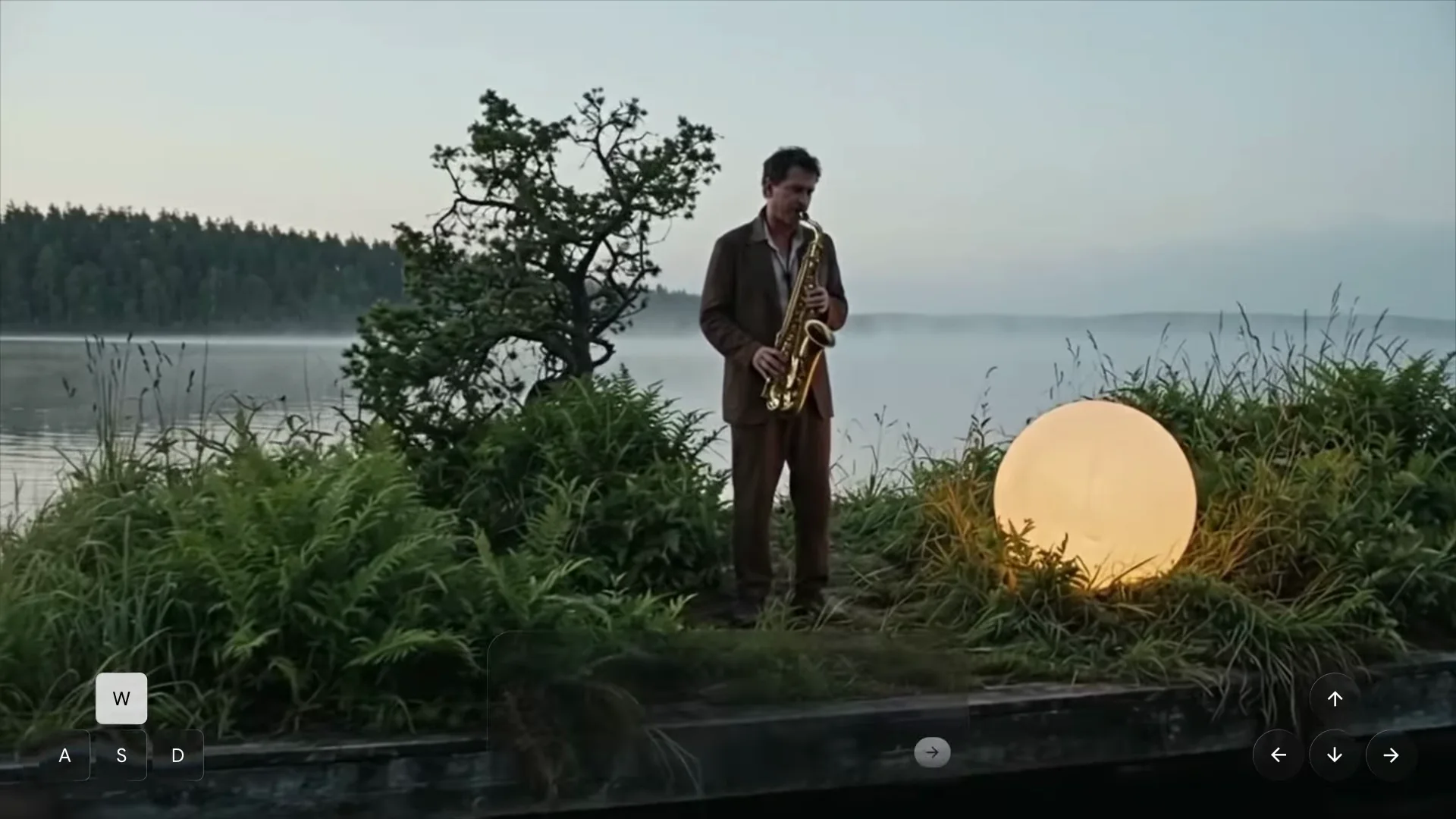
What a good first frame looks like
- Subject centred, with margin. Cropping to the edge gives the camera nowhere to move without losing it.
- One readable surface. A clear floor, table or path gives the model somewhere to simulate contact and shadow.
- Short edge at least 1024 px. Not an official Genie 4 requirement — Google has not published one — but small frames turn to mush once the camera moves. If yours is under that, upscale the image first and judge the result rather than trusting a badge.
- No text you need to read. In-world text is an acknowledged weak spot, so keep signage decorative.
When the image is the problem
Clutter, a watermark, or a subject cut off by the frame will not be rescued by wording. Reading the photo back as a description is a quick check: the worked image-to-prompt examples show how much of a scene survives when it is rebuilt from words. If the description cannot hold the layout, neither will the first frame.
Worked example: one product photo, two blocks
Take a plain studio shot — a coral running shoe on an off-white tabletop, soft side light, nothing else in frame. It is a good first frame and a bad world, because there is nowhere to walk.
| Block | Draft | Why it changed |
|---|---|---|
| Environment | “A studio with a shoe.” | No surfaces, style or behaviour, so every frame is a coin flip |
| Environment | “A concrete studio floor with a low off-white backdrop, soft daylight from the left, fine dust on the surface. The room is quiet: dust drifts in the light, nothing else moves.” | Names surface, style, contents and behaviour in four short sentences |
| Character | “A coral running shoe that hops forward on its heel, landing with a small puff of dust that settles after each step.” | One subject, one action, one visible consequence |
| Camera | “Follow, at shoe height, slow.” | Keeps the subject in frame while the world is tested |
| Audio | “Quiet room tone with a soft low thud on each landing. No music, no voice, no on-screen text.” | Two layers plus explicit exclusions |
The pattern holds for any source image: environment as a place, character as a behaviour, camera as one decision, audio as two layers plus exclusions. If you would rather generate several candidate briefs from one idea and pick the winner, the image prompt generator is built for variations — then split the best one into four blocks by hand.
Steering mid-session without wrecking the scene
Live instructions work best as one change per message, phrased as an action on the world rather than a rewrite of it:
- Camera: “Move the camera above the rooftops.” Then stop and look.
- Weather: “Bring a light rain into the scene.” Wait for the surface to change before adding anything else.
- New subject: “A second person walks in from the left and stops at the counter.” One subject, one destination.
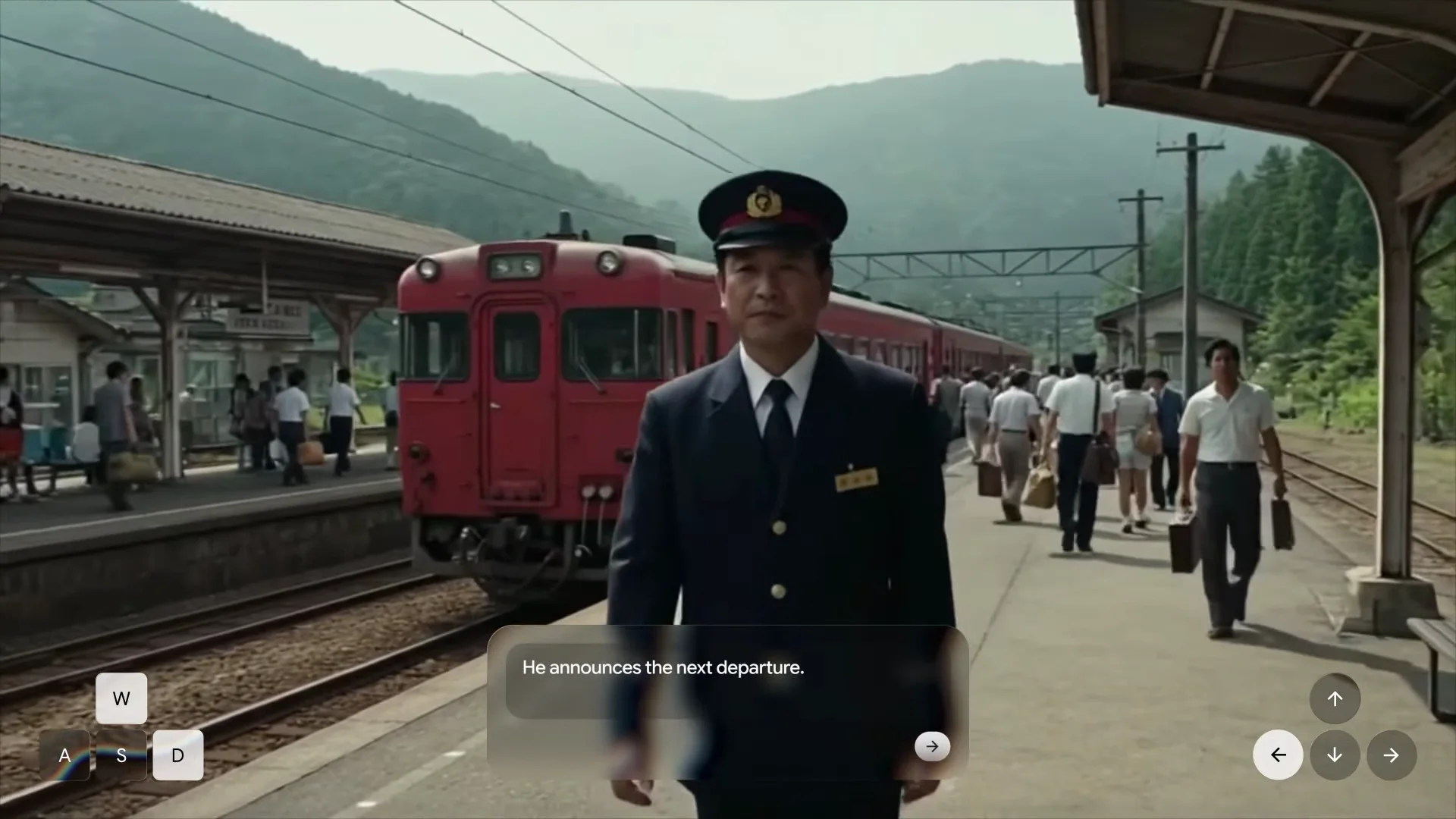
Three habits keep a session alive: one change per message, instructions under about a dozen words, and a pause before the next one. Stack three changes into a sentence and you cannot tell which caused the drift. The notes on ChatGPT Images 2.5 follow one model across a version bump; the brief structure is the part that stays stable.
Where Genie 4 still breaks, and the order to fix it
In briefing coverage of the launch, Google’s team acknowledged that details and objects drift the longer a simulation runs, and that accurate audio and legible in-world text remain open problems. The announcement publishes no resolution, frame rate or session length; reporting puts a consistent scene at up to two minutes, double Genie 3.
When a scene goes wrong, fix in this order — cheapest first:
- 1. Shorten the environment block. Cut every adjective that is not a surface, a style, a landmark or a behaviour.
- 2. Reduce to one character and one action.
- 3. Replace the first frame. A cleaner, centred, higher-resolution image fixes more drift than any wording change.
- 4. Freeze the camera. Static mode removes a whole class of inconsistency while you isolate the cause.
- 5. Drop audio expectations. Ambience survives better than dialogue; check sound separately.
- 6. Restart rather than repair. A new two-minute session with a tighter brief beats five minutes of corrective instructions.
Access, price, and what to do while you wait
At launch Genie 4 is a research preview for trusted testers. Google says it is coming to Google AI Ultra subscribers in Project Genie and to early access partners in the Gemini API and Google AI Studio, and it runs an official waitlist. The announcement does not publish a standalone Genie 4 price, a free tier, a resolution or a general-availability date, so treat specific numbers elsewhere as unconfirmed.
While you wait, the useful work is preparation: build two or three first frames, write the four blocks for each, and decide what every session has to prove. Sessions are minutes long, so the bottleneck is how fast you can produce a clean brief. Our plans and credits are unrelated to Genie 4 access; pricing covers this site’s image tools only.
FAQ
Is Genie 4 the same as Project Genie? No. Genie 4 is the world model; Project Genie is Google’s product for building and exploring worlds, and it is where AI Ultra subscribers are expected to get access first.
Can I use my own photo as the first frame? Yes. Google’s published Genie 4 examples use a reference image as the exact first frame, and the official prompting guide covers image upload. Use a high-quality frame with the subject centred.
Do Genie 3 prompts still work in Genie 4? The two-block structure carries over, because the official guide already separates environment from character. Genie 4 adds audio and live steering, so your brief needs an audio line and one camera decision.
How long can one Genie 4 session run? Reporting at launch puts a consistent scene at up to two minutes, twice Genie 3. Google’s announcement publishes no session length, so plan for roughly that window and design each run to prove one thing.
Why does my world drift after a minute? Usually the brief is doing too much: a long environment block, several characters, or a moving camera. Shorten the blocks, freeze the camera, and replace a weak first frame before changing the wording.
Tools this guide is about
- Image to PromptPick the format you need, then drop your picture into the workspace and get the prompt that recreates it, written in the syntax of the model you will paste it into.
- Image Prompt GeneratorWrite one line. Get five prompts that each move a different axis — style, lighting, camera — so you can see which direction you actually wanted.
- Upscale ImageEnlarge photos or line art up to 4x. Choose the smallest scale that reaches your target, then inspect the result at full size.